TOWER CLIMB
A downloadable game for Windows and macOS
--- English ---
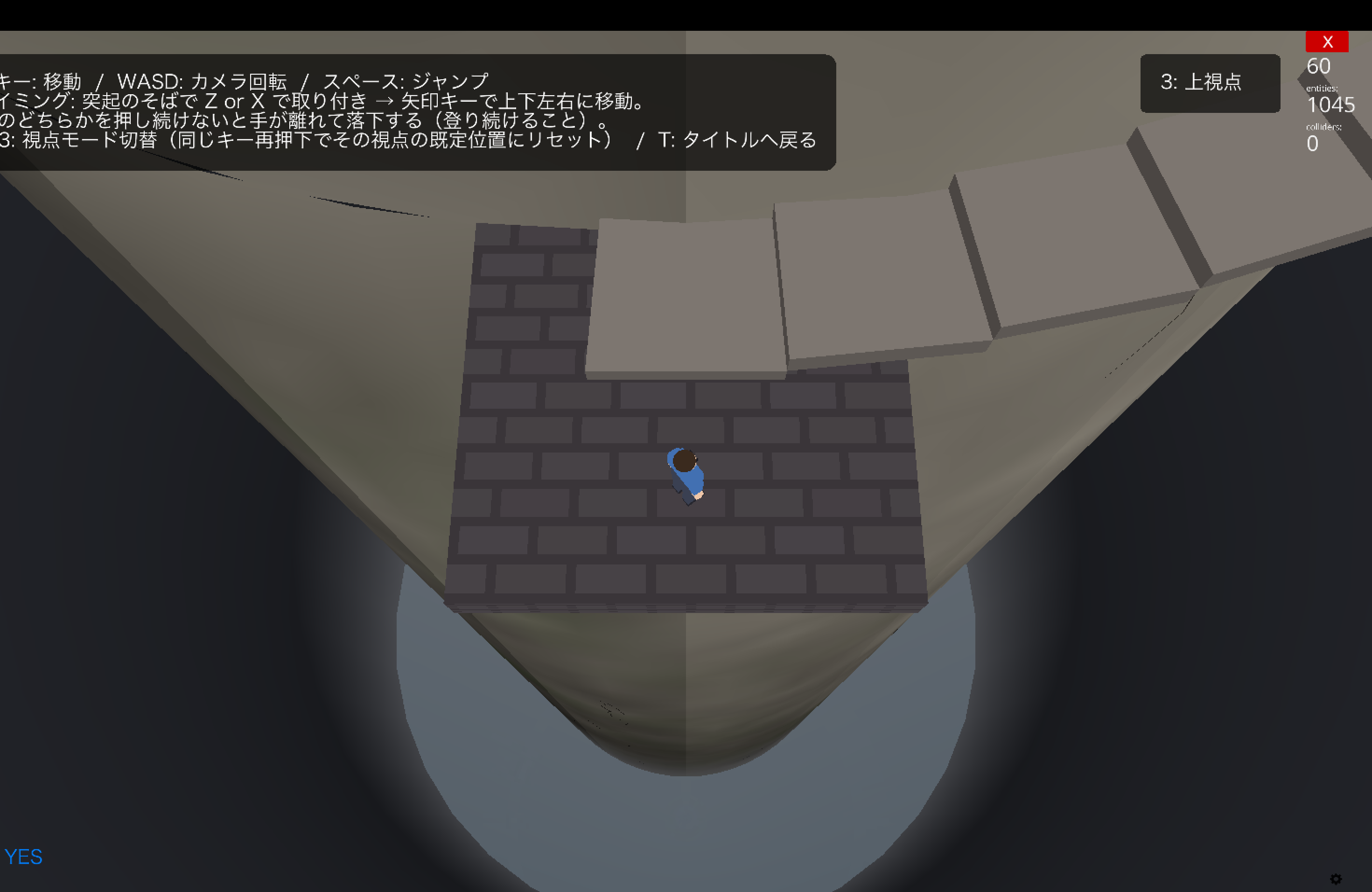
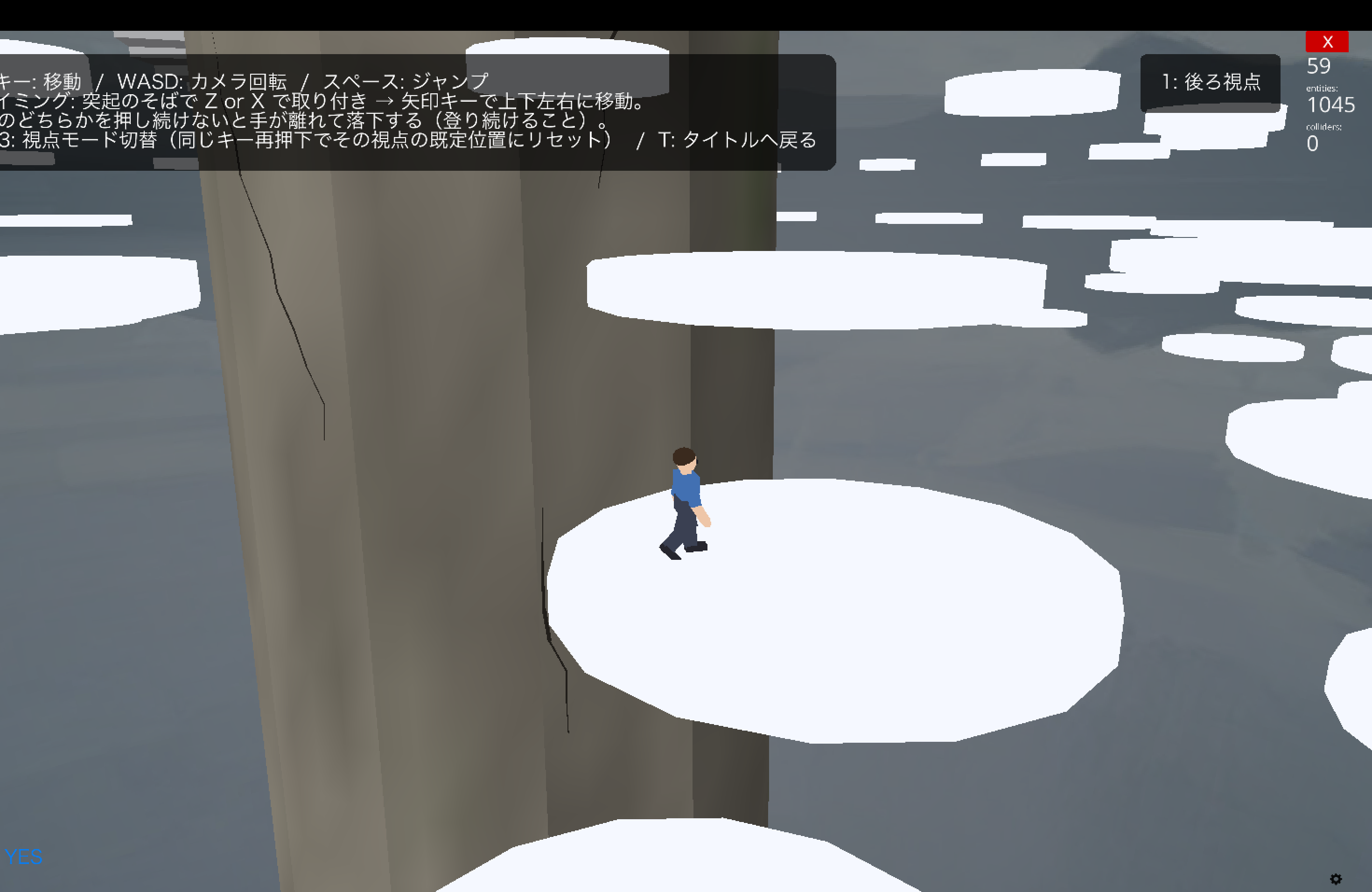
Climb a mysterious tower that rises above the clouds, and reach the legendary floating island at its top.
A simple but challenging 3D climbing platformer.
FEATURES
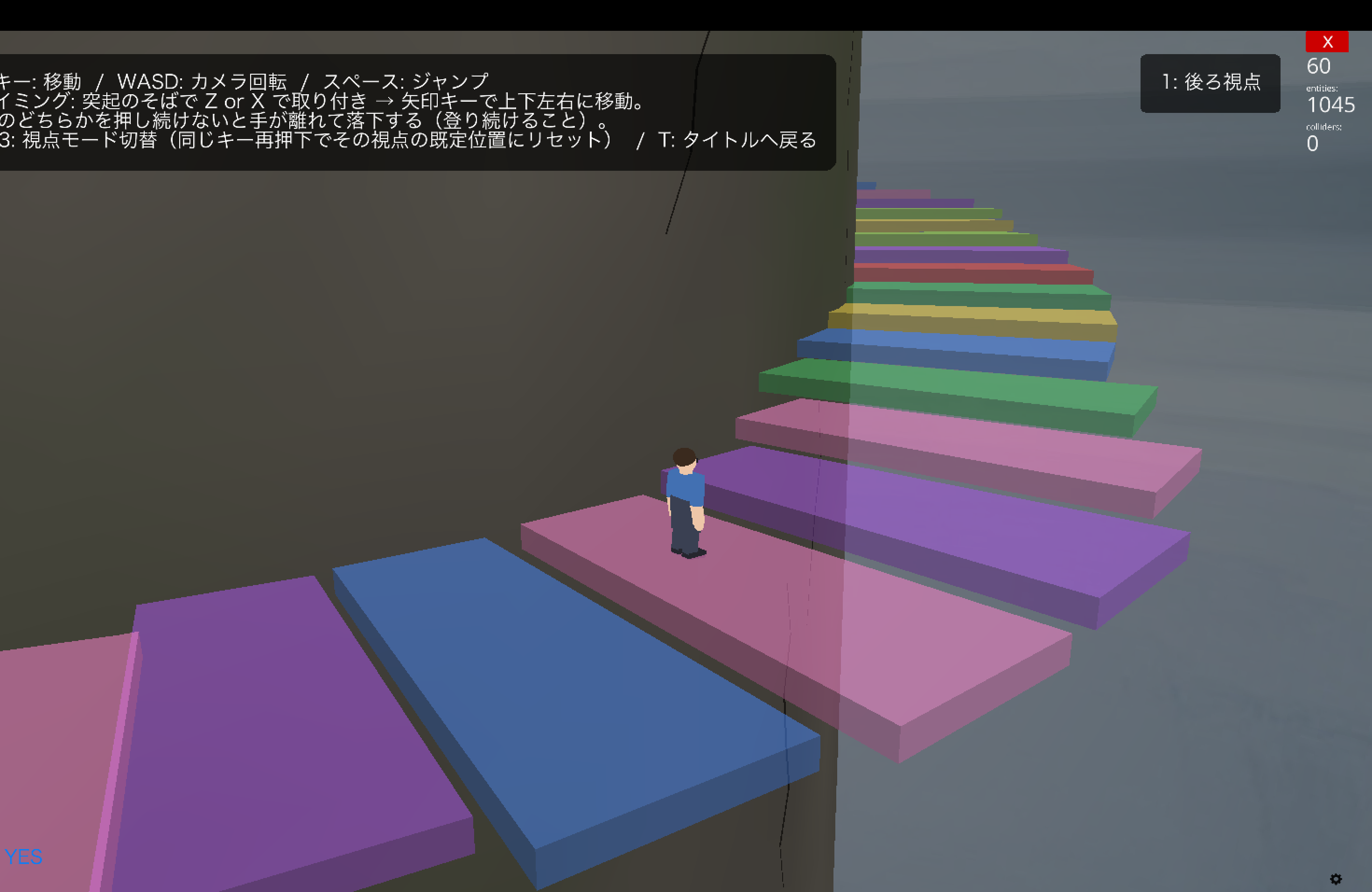
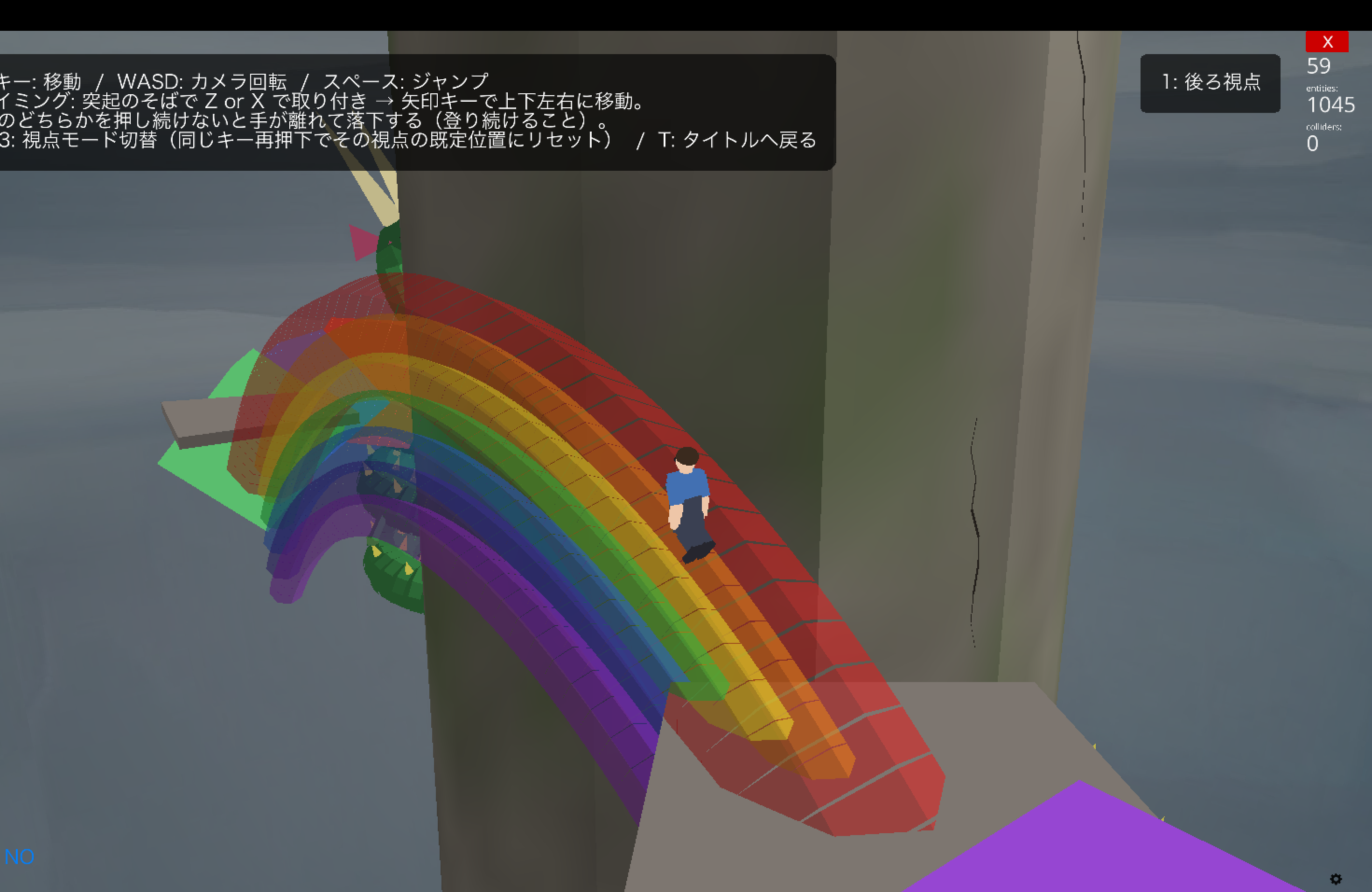
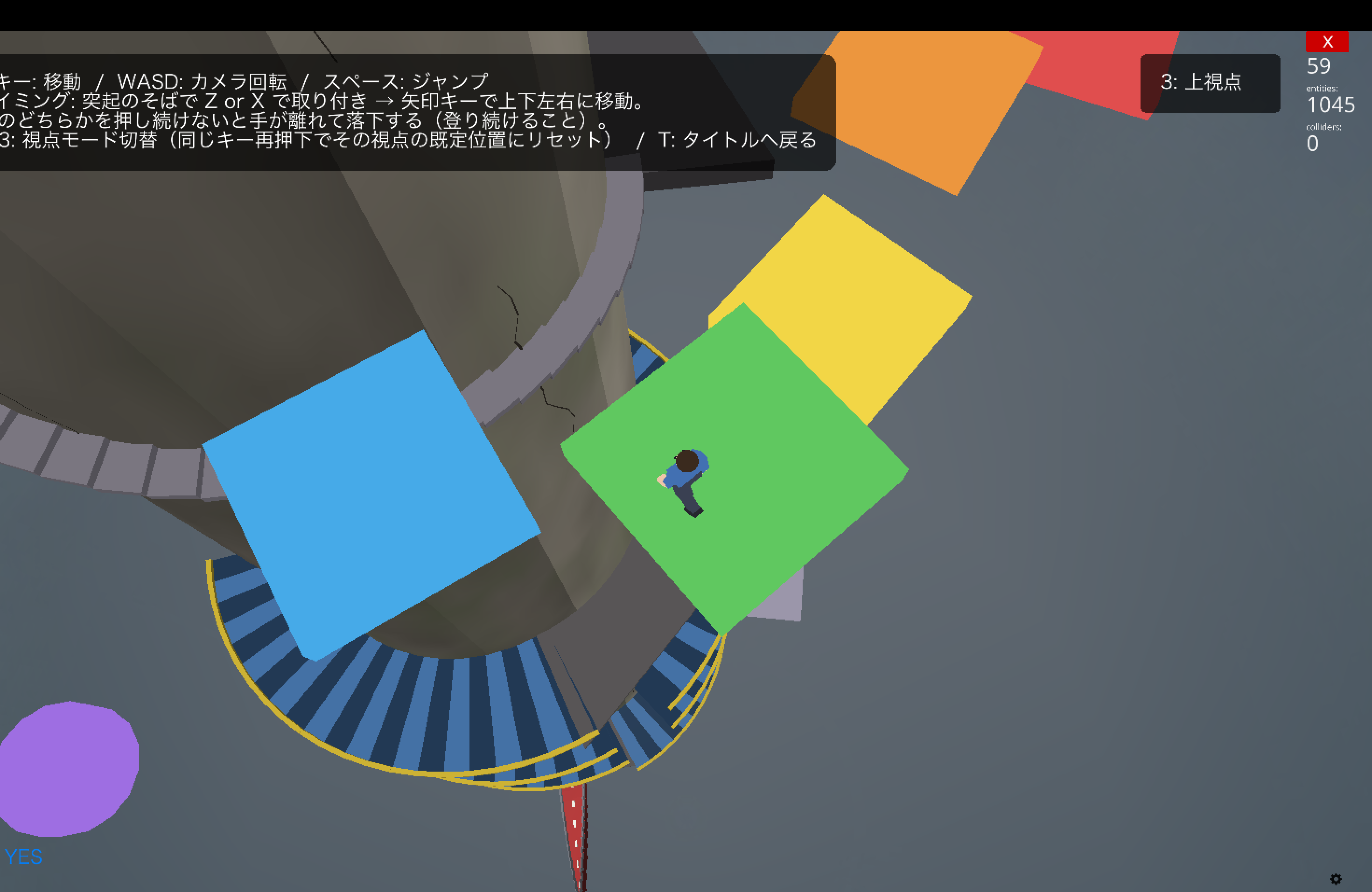
- 20+ unique gimmicks: spiral stairs, wave-glass steps, conveyor ramps, elevators, rock climbing, vanishing platforms, countdown launch pads, a winding dragon's back, a rainbow arch, a 6-digit code gate, rolling iron balls, and more — something new awaits at every height
- Snappy, satisfying jumps and a smooth camera (3 switchable views)
- Speedrun timer with a local top-5 ranking (saved on your PC)
- 10 selectable original BGM tracks
- Japanese / English
CONTROLS
- Arrow keys: Move
- Space: Jump
- WASD: Rotate camera
- Z / X: Rock climbing (alternate left/right hands)
- 1 / 2 / 3: Camera views (press again to reset)
- T: Return to title
HOW TO INSTALL
Windows: Download and unzip TowerClimb-windows.zip, then run TowerClimb.exe inside the TowerClimb folder. If Windows SmartScreen appears, click "More info" → "Run anyway" (the app is unsigned).
macOS (Apple Silicon): Download and unzip TowerClimb-mac.zip. On first launch, right-click TowerClimb.app → "Open" (the app is unsigned). If it still won't open, go to System Settings → Privacy & Security and click "Open Anyway" to launch it. After that, double-click as usual.
--- 日本語 ---
雲の上まで続く、誰も登りきったことのない謎の塔。
頂上にあるという「神秘の浮島」を目指して、ひたすら上へ。
シンプルだけど歯ごたえのある、3Dタワークライミング・アクションです。
【特徴】
- 20種類以上のギミック — 螺旋階段、波打つガラスの階段、ベルトコンベア、エレベーター、ロッククライミング、消える足場、カウントダウン式の打ち上げ台、うねるドラゴンの背中、虹のアーチ、6桁の暗証番号ゲート、転がる鉄球……上に行くほど新しい仕掛けが待っています。
- 押した瞬間に跳ぶ気持ちいいジャンプと、なめらかなカメラ(後ろ/横/上の3視点切替)
- クリアタイム計測&ランキング — ベスト5に入ると名前を登録できます(このPC内に保存されるプライベートなランキングです)
- BGMは10曲から選択可能(すべてオリジナル)
- 日本語 / English 対応
【操作方法】
- 矢印キー: 移動
- スペース: ジャンプ
- WASD: カメラ回転
- Z / X: ロッククライミング(左手/右手で交互につかまる)
- 1 / 2 / 3: 視点切替(もう一度押すとその視点の初期位置にリセット)
- T: タイトルへ戻る
【遊び方のコツ】
落ちてもすぐ下の足場からやり直せます。まずは自分のペースで頂上を目指して、
2周目からはクリアタイムを縮めるスピードランに挑戦してみてください。
【インストール方法 / How to install】
■ Windows
TowerClimb-windows.zip をダウンロードして展開し、TowerClimb フォルダの中の TowerClimb.exe を実行してください。
「WindowsによってPCが保護されました」と表示された場合は「詳細情報」→「実行」をクリックしてください(未署名アプリのため表示されます)。
■ macOS (Apple Silicon / M1以降)
TowerClimb-mac.zip をダウンロードして展開し、初回のみ TowerClimb.app を右クリック→「開く」で起動してください(未署名アプリのため)。それでもダメならシステム設定→プライバシーとセキュリティから「このまま開く」を押して起動してください。2回目以降はダブルクリックで起動できます。
Download
Click download now to get access to the following files:
Leave a comment
Log in with itch.io to leave a comment.